POWERFUL • SECURE • EASY TO USE
Make reconciliation faster, clearer and more reliable.
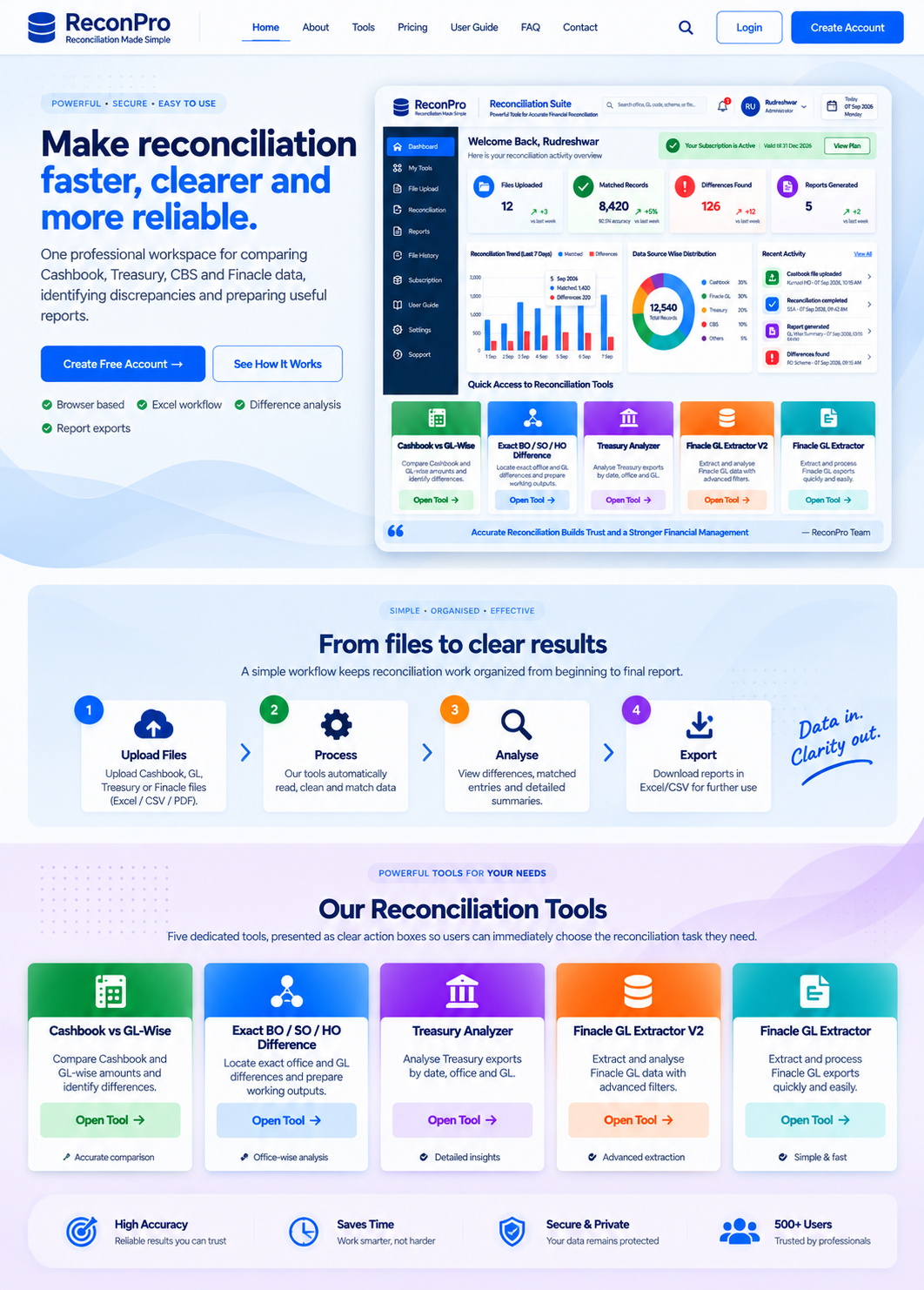
One professional workspace for comparing Cashbook, Treasury, CBS and Finacle data, identifying discrepancies and preparing useful reports.
Create Free Account → See How It WorksBrowser basedExcel workflowDifference analysisReport exports
✓ Accurate ResultsClear difference analysis
◷ Time SavingReduce manual work
▣ Comprehensive ToolsOne private workspace
◆ Secure WorkflowControlled user access
SIMPLE • ORGANISED • EFFECTIVE
From files to clear results
A simple workflow keeps reconciliation work organized from beginning to final report.
1
Upload Files
Upload Cashbook, GL, Treasury or Finacle files.
2
Process
Our tools read, clean and process the data.
3
Analyse
View matched entries, differences and summaries.
4
Export
Download useful reports in Excel or CSV.
POWERFUL TOOLS FOR YOUR NEEDS
Our Reconciliation Tools
Five dedicated tools, presented as clear action boxes so users can immediately choose the reconciliation task they need.
▤
⌘
Exact BO / SO / HO Difference
Locate exact office and GL differences and prepare working outputs.
Open Tool →▥
◉
▤
Ready to simplify your reconciliation?
Create an account and access your private reconciliation workspace.